

- Choose an SEO-Friendly WordPress Theme
- Install a Reliable SEO Plugin
- Optimize Your Permalink Structure
- Conduct Thorough Keyword Research
- Create High-Quality, Optimized Content
- Fix Technical SEO Issues
- Improve Site Speed and Core Web Vitals
- Optimize for Mobile and User Experience
- Use Categories and Tags Strategically
- Monitor Performance and Iterate
- Build Your SEO Foundation Today
WordPress powers over 43% of all websites on the internet, making it the dominant platform for content creators, small businesses, and enterprises alike. Yet having a WordPress site doesn’t automatically mean your content will rank in Google. Without proper SEO optimization, even exceptional content remains invisible to search engines and potential visitors.
The difference between a WordPress site that attracts thousands of monthly visitors and one that languishes in obscurity often comes down to one thing: strategic SEO implementation. This guide walks you through every essential step to transform your WordPress site into a search engine powerhouse.
Choose an SEO-Friendly WordPress Theme
Your theme is the foundation of your site’s SEO performance. A poorly optimized theme can handicap even the best content strategy, while a well-designed theme gives you a significant head start.
When evaluating WordPress themes for SEO, prioritize these critical factors:
Mobile responsiveness – Your theme must automatically adjust to different screen sizes. Google prioritizes mobile-friendly sites, and over 60% of web traffic now comes from mobile devices. A responsive theme isn’t optional; it’s essential.
Fast load times – Avoid themes bloated with animations, unnecessary scripts, or heavy design elements. Every second of delay increases bounce rates and signals poor user experience to search engines.
Schema markup compatibility – Themes with built-in schema markup help search engines better understand your content structure, potentially leading to rich snippets in search results.
Clean code and HTML5 support – Well-structured, HTML5-compatible themes make it easier for search engines to crawl and index your site efficiently.
To find the right theme, browse the WordPress Theme Directory and check demo sites for loading speed and responsiveness. Run the demo URL through Google’s PageSpeed Insights to see real performance metrics before committing.
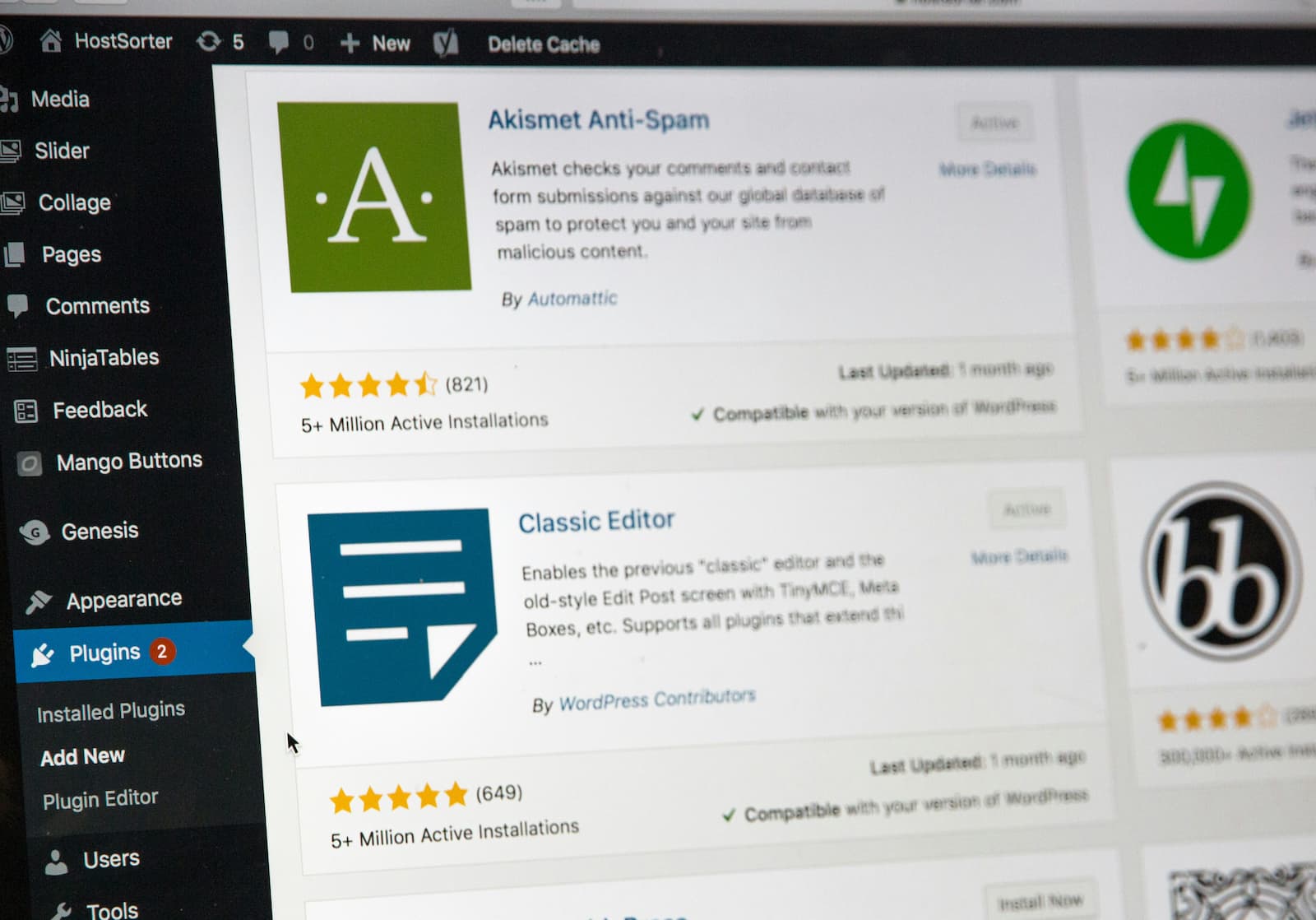
Install a Reliable SEO Plugin
An SEO plugin automates technical optimization tasks and provides real-time guidance for on-page SEO. Without one, you’ll miss critical optimization opportunities and spend hours on manual tasks that plugins handle automatically.
The best SEO plugins for WordPress in 2026 include:
Rank Math – Offers unlimited keyword optimization in the free version, AI-powered content suggestions, and 18 pre-defined schema types without paying a cent. The free tier also includes XML sitemaps, Google Analytics 4 integration, 404 monitoring, and automatic image SEO that generates alt text from filenames. Best for bloggers, small businesses, and eCommerce sites seeking maximum free features.
Yoast SEO – A trusted name with 13 million active installations, Yoast remains beginner-friendly with AI-based readability analysis, automatic XML sitemaps, internal linking suggestions, and WooCommerce support. Best for businesses, agencies, and local SEO websites.
SEOPress – A lightweight but powerful option with 300,000+ active installations, SEOPress includes complete SEO optimization, schema markup, WooCommerce SEO, white-label capability for agencies, and Google Analytics integration. Best for developers and performance-focused websites.
All in One SEO (AIOSEO) – The original WordPress SEO plugin with over 3 million active installations, AIOSEO prioritizes user experience and helps improve rankings in under 10 minutes. Best for beginners and local SEO audits.
Choose based on your needs: beginners should consider Yoast SEO or AIOSEO, while those prioritizing performance and flexibility should explore SEOPress or The SEO Framework.
Optimize Your Permalink Structure
Your URLs are one of the first things both users and search engines see. Clean, descriptive URLs improve click-through rates and make your site more SEO-friendly.
To optimize your permalink structure:
- Log in to your WordPress Dashboard
- Navigate to Settings → Permalinks
- Select Post Name (e.g., example.com/sample-post/)
- Click Save Changes to update the structure
Avoid default settings like /?p=123, which tell search engines nothing about your content. Instead, use the Post Name structure, which automatically creates URLs based on your post title. This approach makes URLs readable for both humans and search engines while improving your chances of ranking for keywords in the URL itself.
Conduct Thorough Keyword Research
Keyword research is the foundation of successful content creation. Without understanding what your audience searches for, you’re essentially creating content in the dark.
Start by using tools like Google Keyword Planner, Ahrefs, or SEMrush to identify relevant keywords with substantial search volume but manageable competition. Focus on:
Long-tail keywords – These are more specific phrases (typically 3+ words) that are less competitive and easier to rank for. For example, “WordPress SEO optimization tips” is easier to rank for than the generic “SEO.”
User intent – Understand what users actually want when they search for particular keywords. Are they looking for information, trying to make a purchase, or seeking a specific tool? Create content that matches their intent.
LSI keywords – Include related terms and synonyms to give search engines better context for your content. If your primary keyword is “WordPress SEO,” LSI keywords might include “WordPress search engine optimization,” “optimize WordPress for Google,” and “WordPress ranking factors.”
Place keywords strategically in titles, meta descriptions, headers, and URLs, but avoid keyword stuffing, which damages readability and triggers search engine penalties.
Create High-Quality, Optimized Content
Content quality is non-negotiable. Search engines increasingly reward comprehensive, accurate, original content that genuinely helps readers.
Follow this content creation strategy:
Start with keyword research – Find high-traffic, low-competition keywords before writing.
Write compelling titles – Use numbers, action words, and power words that encourage clicks. For example, “7 WordPress SEO Mistakes That Kill Your Rankings” performs better than “WordPress SEO Tips.”
Craft engaging meta descriptions – Summarize your content compellingly in 150-160 characters. This is your sales pitch in search results.
Structure with header tags – Use H1 for your main title, H2 for major sections, and H3/H4 for subsections. This hierarchy helps search engines understand your content structure and improves readability.
Create pillar content – Develop comprehensive posts of 2,000+ words around target keywords, followed by cluster content that links back to the pillar. This topical authority approach signals expertise to search engines.
Optimize images – Use descriptive alt text with relevant keywords, compress large files, and ensure images load quickly. Alt text serves dual purposes: it helps search engines understand image content and improves accessibility for visually impaired users.
Add internal links – Link to relevant pages within your site to keep users engaged and distribute page authority. Use descriptive anchor text that indicates the linked page’s content, avoiding generic phrases like “click here.”
Focus on readability – Write in short paragraphs, use bullet points, and maintain an active voice. Aim for grade 6-8 readability unless your topic is inherently technical.
Refresh content regularly – Update top-performing posts every 6-8 months to maintain relevancy and competitiveness.
Fix Technical SEO Issues
Technical SEO ensures search engines can crawl, index, and understand your site properly. Neglecting technical SEO is like building a beautiful storefront that no one can find.
Conduct a site audit – Use your SEO plugin to identify on-page issues like missing meta descriptions, duplicate content, broken links, and crawl errors.
Fix broken links – Broken internal and external links harm user experience and waste crawl budget. Use tools like Broken Link Checker to identify and fix them regularly.
Manage redirects – When you delete or move pages, set up 301 redirects to preserve link equity and prevent 404 errors.
Set canonical URLs – For pages with similar content, use canonical tags to tell search engines which version is the primary one, preventing duplicate content issues.
Generate XML sitemaps – Your SEO plugin automatically creates XML sitemaps that help search engines discover all your pages. Submit these to Google Search Console.
Improve Site Speed and Core Web Vitals
Page speed is a confirmed Google ranking factor, and slow sites suffer from higher bounce rates and lower conversions. Core Web Vitals-Google’s metrics for user experience-directly impact rankings.
Use a performance optimization plugin – Jetpack Boost and similar tools enhance Core Web Vitals, which are essential for SEO success.
Enable caching – Caching plugins like WP Super Cache store static versions of your site, dramatically speeding up load times for repeat visitors.
Compress images – Large image files are the primary culprit behind slow WordPress sites. Use tools like Imagify or ShortPixel to compress without sacrificing quality.
Enable lazy loading – Load images and other assets only when visitors scroll to them, reducing initial page load time.
Use a content delivery network (CDN) – A CDN serves your content from servers geographically closer to your visitors, reducing latency and improving speed globally.
Optimize Core Web Vitals specifically:
- LCP (Largest Contentful Paint) – Compress hero media, preload hero images, inline critical CSS, and minimize render-blocking CSS.
- INP (Interaction to Next Paint) – Remove unused JavaScript, break up long tasks, and defer third-party widgets.
- CLS (Cumulative Layout Shift) – Set width and height for media, reserve ad slots, and avoid late-loading UI shifts.
Monitor your Core Web Vitals in Google Search Console under the Core Web Vitals section to identify slow templates and prioritize fixes.
Optimize for Mobile and User Experience
Over 60% of web traffic comes from mobile devices, yet many WordPress sites still prioritize desktop experience. This is a critical mistake.
Select a responsive theme – Ensure your theme looks good and functions perfectly on all devices, from smartphones to tablets to desktops.
Prioritize easy navigation – Users should find what they’re looking for within 2-3 clicks. Clear menus and logical site structure reduce bounce rates.
Optimize for readability – Use readable font sizes, adequate line spacing, and sufficient contrast between text and background.
Include clear calls to action – Guide users toward desired actions with prominent, compelling CTAs.
Use Categories and Tags Strategically
Categories and tags help both users and search engines navigate your content, but they must be used strategically to avoid duplicate content issues.
Categories – Act as broad groupings that make it easier for users and search engines to find related information. Limit categories to maintain clarity and prevent overlap.
Tags – Allow you to target specific keywords related to your content, increasing the likelihood of appearing in search results for those terms. Use tags sparingly and relevantly, avoiding excessive tagging that dilutes their effectiveness.
Avoid overlaps between categories and tags to prevent duplicate content issues that confuse search engines and dilute your ranking potential.
Monitor Performance and Iterate
SEO is not a one-time effort; it requires ongoing monitoring and refinement. Use these essential tools to track your progress:
Google Search Console – Monitor your site’s presence in Google Search, identify indexing issues, and see which queries drive traffic to your site.
Google Analytics – Track user behavior, bounce rates, time on page, and conversion metrics to understand what content resonates with your audience.
SEO plugins – Most quality SEO plugins include built-in analytics and performance tracking.
Site speed tools – Regularly test your site speed using Google PageSpeed Insights and GTmetrix to identify performance bottlenecks.
Review your data monthly and adjust your strategy based on what’s working. Double down on high-performing content, refresh underperforming posts, and test new optimization strategies continuously.
Build Your SEO Foundation Today
WordPress provides powerful tools and settings to optimize your site speed, content quality, mobile-friendliness, and technical performance. The strategies outlined in this guide give you everything needed to build a strong SEO foundation that drives sustainable organic traffic.
SEO takes time and ongoing effort, but the investment pays dividends. Sites that implement these optimization strategies consistently see improved search rankings, increased visibility, and better user engagement. Start with the fundamentals-choose a quality theme, install a reliable SEO plugin, optimize your content for keywords and user intent, and improve your site speed. Then layer in technical optimizations and ongoing monitoring.
For comprehensive hosting solutions that support WordPress performance optimization, explore https://privatenode.io to ensure your site has the infrastructure needed to rank competitively. The best SEO strategy is only as effective as the hosting foundation supporting it.


Leave a Reply