

- Understanding WordPress SEO and the Value of Professional Content Support
- Aligning Keyword Research with Local Search Intent
- Creating High-Quality, SEO-Focused Content for WordPress
- On-Page SEO and Technical Optimizations Within WordPress
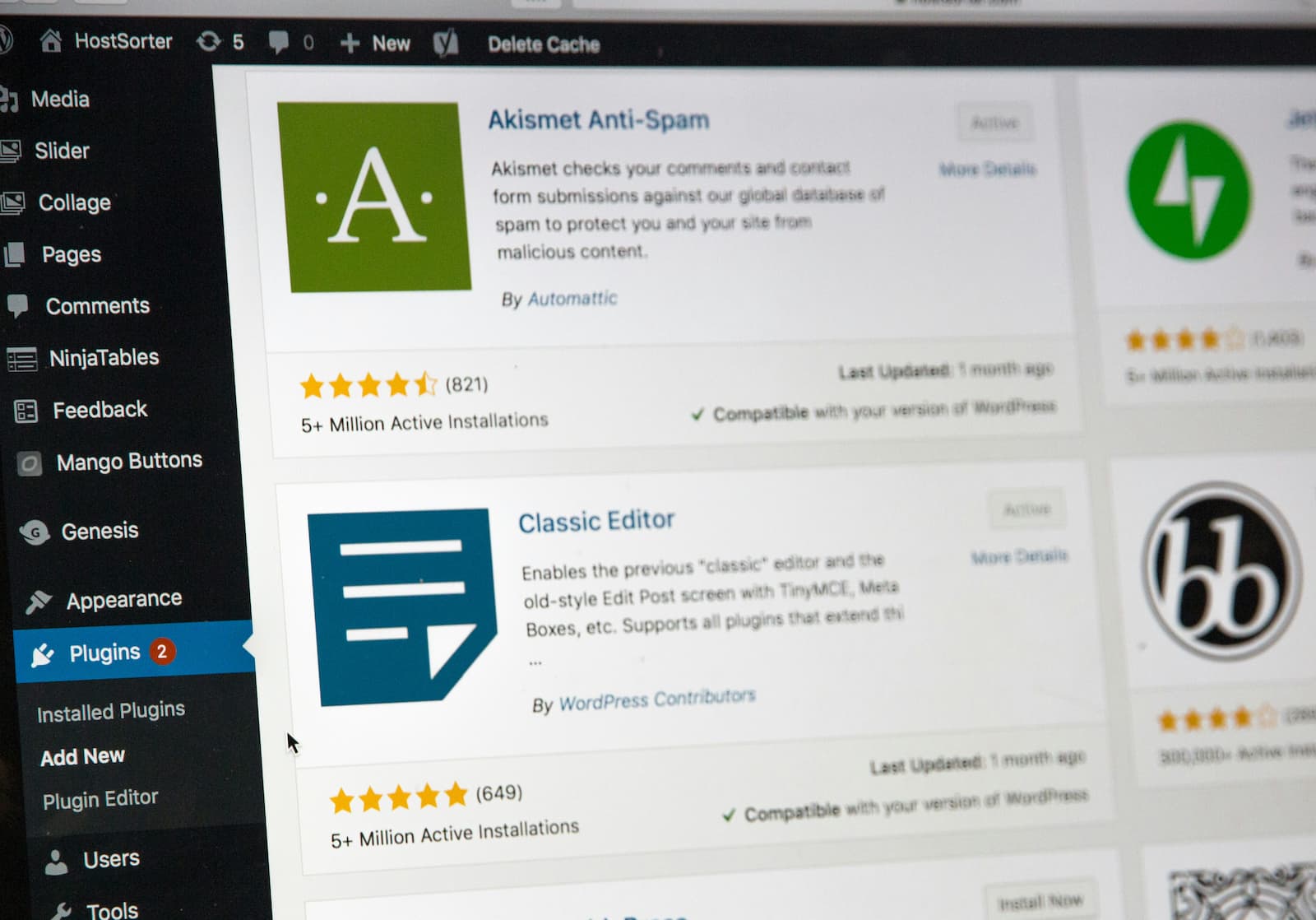
- Leveraging WordPress Tools and Plugins for Content SEO Support
- Performance, Security, and Mobile Enhancements for SEO Success
- Maintaining and Measuring SEO Content Effectiveness Over Time
- Avoiding Common SEO Mistakes and Tips for Sustained Growth
- FAQs About Professional WordPress Content Support and SEO
- Make Your WordPress Website a Growth Engine
Local businesses across North Carolina’s Research Triangle – Raleigh, Cary, Holly Springs, Durham, and neighboring areas – are competing for attention online. For small and mid-sized organizations, the strength and reach of their web content often decide both local reputation and long-term growth. WordPress remains the platform of choice for businesses aiming to balance flexibility, digital ownership, and reliable performance.
Yet, claiming visibility in local search results demands more than simply having a website. Search engines increasingly scrutinize not just the relevance of your content, but also its trustworthiness, technical quality, and active upkeep. Essential features like mobile responsiveness, HTTPS security, and swift load times are now table stakes. With all these moving pieces, managing a WordPress site while leading a thriving business can be challenging. That’s where professional content support and ongoing SEO management become transformative – combining technical best practices with local market insight to help North Carolina companies rise above the competition.
The proof is visible in local outcomes: businesses investing in professional WordPress content and SEO repeatedly show measurable gains in search visibility, lead generation, and client engagement. Explore case studies showcasing successful WordPress SEO projects to see real-world impact.
Understanding WordPress SEO and the Value of Professional Content Support
Role of Content in Modern WordPress SEO
SEO is driven by content that genuinely meets visitors’ needs. In 2026, search engines reward sites offering detailed, expertly-structured information and empowering user experiences. When paired with fast, secure WordPress hosting, well-written content signals authority and credibility to both customers and search engines. For small and mid-sized businesses, SEO-optimized content delivers new leads without ongoing advertising expenses.
How Professional WordPress Content Support Benefits Local Businesses in North Carolina
Working with professionals lets business owners stay focused on their core work. Experienced WordPress content support keeps websites accurate, easy for teams to update, and always aligned with evolving SEO requirements. Local specialists understand regional nuances, using tailored references and city-specific keywords to boost relevance for searches in Raleigh, Cary, Durham, and other Research Triangle communities.
Long-term partnerships bring more than just words on a page: they provide reliable technical updates, proactive content improvements, and ongoing guidance, all backed by transparent WordPress Care Plans. This reduces stress, avoids vendor lock-in, and supports your business’s future growth with a dedicated partner.
Key SEO Trends Impacting WordPress Content in 2026
- Content depth and subject authority outperform keyword stuffing.
- Mobile-first indexing and user experience metrics now affect rankings directly.
- AI-driven SEO plugins and structured data help your pages reach featured snippets and voice search.
- Security, speed, and reliability serve as trust and ranking signals.
- Region-specific content, local references, and community involvement increase local search relevance.
Aligning Keyword Research with Local Search Intent
Identifying Primary and Secondary Keywords for Local SEO
Effective local SEO starts with clear keyword selection:
- List your main services and blend them with North Carolina or Triangle region terms. Examples: “WordPress web design Holly Springs,” “web hosting Raleigh.”
- Use keyword research tools to gauge search frequency and competition in the local market.
- Separate primary keywords (essential service/location combos) from secondary keywords (related offerings or nearby cities).
- Incorporate long-tail phrases that reflect how real clients describe their needs.
Understanding Searcher Behavior and Intent in Target Markets
- Pinpoint the problems your ideal customer is searching to solve – such as site speed, security, or easy updates.
- Understand if your audience is ready to buy, comparing providers, or researching.
- Track seasonal events, local news, or shifts in customer questions to capture timely opportunities.
Using Keywords Effectively Within WordPress Content Structure
- Place primary keywords naturally in H1 and key headings.
- Include secondary keywords throughout paragraphs and bullet points, reflecting how your audience communicates.
- Structure navigation, menu items, and URL slugs with keywords for clarity and discoverability.
Local Keyword Research Checklist:
- Define service and location focus.
- Collect a mix of service and geography-based seed keywords.
- Map primary, secondary, and supporting keyword groups.
- Research intent and identify competitive gaps.
- Create content plans with each page targeted for distinct keyword groups.
Creating High-Quality, SEO-Focused Content for WordPress
Benefits of Long-Form, Well-Structured Content with Headings and Lists
Longer, well-organized content helps both users and search engines. Pages over 1000 words often answer questions more completely, improve engagement, and build trust:
- Use hierarchical headings (H2, H3) to organize sections.
- Break out information with bullet points and numbered lists.
- Summarize frequent questions in FAQs at the end of major pages.
Incorporating Visuals and Local References for Engagement
- Local photos and references (such as well-known landmarks, organizations, or community events) create authenticity and relevance.
- Use charts, service diagrams, or short testimonial quotes to support claims of reliable performance and client satisfaction.
- Where appropriate, present snippets from client reviews or highlight local success stories to deepen trust.
Content Updates as Part of Ongoing Site Care to Maintain SEO Rankings
SEO is an ongoing process. Updating your content regularly signals to both users and Google that your business is active and trustworthy:
- Schedule regular reviews of key pages, blog articles, and FAQ sections.
- Refresh information, such as service updates, new staff, or compliance notes.
- Add new testimonials, portfolio items, or recent news.
Professional content management built into ongoing website care and content updates ensures these improvements are consistent, timely, and stress-free for your team.
Example Outline for a Local Service Page
- H1: WordPress Web Design Services in Raleigh, NC
- H2: Local Experience and Results
- H2: Design Benefits for Growing Businesses
- H3: Fast Load Times and Modern Mobile Experience
- H2: Frequently Asked Questions
- H2: What Sets Our Team Apart
On-Page SEO and Technical Optimizations Within WordPress
Optimizing Titles, Meta Descriptions, and Schema Markup
- Create unique titles under 60 characters, placing main keywords toward the start.
- Write meta descriptions (up to 160 characters) that summarize each page and encourage clicks.
- Use schema plugins to add structured data (such as business info and FAQs) to help search engines display your site in rich results.
Example:
- Title: “Managed WordPress Hosting Holly Springs – Reliable, Secure & Fast”
- Meta: “Local managed WordPress hosting with fast support for Holly Springs businesses. Get peace of mind with security and rapid website design.”
Setting Up Internal Linking with Descriptive Anchors
- Link main service areas, guides, and resources within content using descriptive anchor text.
- Vary anchor phrases based on context and avoid overusing a single keyword.
- Ensure every important page is reachable through straightforward navigation, not just footers or sitemaps.
Ensuring Clean URL Structures and Mobile-First Design
- Use simple, hyphenated URLs that match page purpose (e.g., “/web-design/”).
- Test mobile layouts thoroughly – responsive themes are now a requirement, not a bonus.
- Prioritize accessible menus that work well on any device.
On-Page SEO Mini Checklist:
- Optimize every title, meta description, and heading for relevance and clarity.
- Add local schema using recommended plugins for business and FAQs.
- Audit internal links for coverage and user-friendliness.
- Review URLs for consistency.
- Confirm images and content display properly on mobile and tablet devices.
Leveraging WordPress Tools and Plugins for Content SEO Support
Top WordPress SEO Plugins and Their Core Features
Effective SEO management is simplified by robust plugins. Comparison of top options:
| Plugin | Core Features | AI Support | Multi-Keyword | Internal Linking Tools | Best Fit |
|---|---|---|---|---|---|
| Yoast SEO | Titles, on-page checks, readability analysis | Yes, basic | Yes | Yes | Most general business sites |
| Rank Math | Schema, AI suggestions, link audits | Advanced | Yes | Yes | Structured content, AI support |
| SEOPress | Analytics, on-page SEO checks | Titles/descriptions | Yes | Yes | Analytics-focused sites |
| All in One SEO | Local SEO, site maps, easy setup | Limited | Yes | Yes | Beginners, local optimization |
| Internal Link Juicer | Automated internal linking | No | N/A | Yes (specialized) | Larger sites, heavy content |
AI-Assisted SEO Tools Available in Plugins for Content Enhancement
- Title and meta tag generation based on page analysis and competitive data.
- Automated FAQ and schema creation for richer search results.
- Internal link recommendations within the editor for better site structure.
Using Plugin Features to Support Local SEO and Content Updates
- Markup of business location, contact, and hours for local SEO.
- Real-time scoring for keyword usage and content clarity targeting city- or region-based searches.
- Scheduled reminders and editorial calendars for governance of updates.
Performance, Security, and Mobile Enhancements for SEO Success
How Fast Loading and Stable Hosting Improve SEO and Engagement
Page speed and uptime matter to both Google and your clients. Sites that load slowly or frequently go offline see higher bounce rates and reduced search visibility. Using managed WordPress hosting optimized for performance and security means:
- Automated updates, daily backups, and global content delivery for faster access.
- Proactive monitoring, so issues are caught before they harm rankings or user experience.
- Consistent uptime and reliable performance, building user trust and improving lead generation.
Importance of HTTPS for Trust and Search Rankings
- Chrome and other browsers flag non-HTTPS sites as insecure.
- Encryption protects user data – critical for businesses and regulated sectors alike.
- Google gives preference to HTTPS sites, aiding your rankings in local searches.
Mobile-First Design Best Practices for WordPress
- Choose responsive themes and regularly test forms, menus, and interactive features on devices.
- Use touch-friendly design for easy mobile interactions.
- Compress images and minimize unused scripts to keep load times below three seconds.
SEO Performance and Security Gains:
- Greater search visibility, especially for local mobile searches.
- Reduced bounce rates and higher engagement.
- Long-term protection of business and customer reputation.
Note: While proactive technical management greatly reduces the risk of downtime or breaches, no solution can guarantee absolute security or uninterrupted service. Regular updates, strong passwords, and trusted hosting partners remain critical.
Maintaining and Measuring SEO Content Effectiveness Over Time
Regular Content Audits to Identify Outdated or Thin Content
Routine audits (quarterly or semi-annual) should check:
- Pages with old or incomplete information.
- Thin content (under 400 words) that may underperform.
- Outdated testimonials, case studies, or removed services.
- Broken links or missing images.
- Overuse of exact-match keywords or anchor text.
Strategies for Updating and Reshaping Content with Fresh Data and Visuals
- Replace old statistics and customer feedback with current, relevant info.
- Add new visuals, refreshed team bios, or updated certifications.
- Restructure content by adding lists, FAQs, and customer stories.
- Apply AI plugin suggestions for optimizing meta tags and schema.
Integrating Google Analytics and Tracking for Performance Monitoring
- Set up Google Analytics to track user traffic, engagement, and conversions.
- Monitor keyword rankings through integrated reporting.
- Review bounce rates and session time to assess how well content meets visitor needs.
- Tie performance improvements to updates by maintaining an internal change log.
Ongoing Maintenance Checklist:
- Schedule and perform content reviews every three to six months.
- Update essential information and respond to user trends.
- Analyze website traffic and adjust content strategy accordingly.
- Use ongoing website care and content updates for dedicated, proactive site management.
Avoiding Common SEO Mistakes and Tips for Sustained Growth
Risks of Ignoring Internal Linking or Site Structure
- Orphaned pages (no internal links) gain little search authority.
- Overuse of the same anchor text dilutes keyword strength and confuses users.
- Inconsistent or unclear menus make it hard for local visitors to locate services.
Issues from Slow, Unsecured, or Mobile-Incompatible Sites
- Poor load times or non-HTTPS status now lower rankings directly.
- Outdated plugins, neglected backups, and weak passwords create vulnerabilities.
- Non-responsive sites alienate mobile users and get penalized by mobile-first indexing.
Pro Tips for Keeping Content Aligned with Evolving User Search Habits
- Use analytics to discover new search topics and update FAQs accordingly.
- Regularly rotate testimonials, case study highlights, and visual assets.
- Keep internal linking fresh, and periodically review anchor variety and destination strength.
- Test all major updates on live devices – both desktop and mobile – during North Carolina business hours.
FAQs About Professional WordPress Content Support and SEO
Content that thoroughly addresses user questions, is structured with logical headings and schema, loads swiftly on all devices, adapts to local search intent, and is kept current through routine updates and technical monitoring.
Ideally, review major service and landing pages every three to six months. More frequent updates may be needed when services, prices, or regulations change.
It spreads authority across your site, guides visitors to important pages, and assists search engines in discovering and ranking relevant content.
AI-powered plugins support content teams by generating optimized titles and descriptions, scoring keyword use and readability, and suggesting internal links or rich snippets for enhanced search visibility.
Use city and regional names naturally, reference community participation, and adjust copy to answer locally relevant questions. Continually update keywords and headings to reflect how potential clients in North Carolina search for your services.
Make Your WordPress Website a Growth Engine
Driving business growth through an SEO-optimized WordPress site requires expert knowledge, reliable performance, and consistent care. North Carolina businesses find lasting value in professional partnerships focused on local search, proactive security, and flexible content management – without vendor lock-in. Ready to strengthen your website’s visibility, authority, and ease of use?
Schedule a consultation with Privatenode experts and experience the difference a dedicated, local-focused team can make for your long-term results.


Leave a Reply