
Most small business websites that get hacked don’t get hacked because someone targeted them. They get hacked because a bot found a door that was left open.
That’s the part that catches owners off guard. You’d think a WordPress site with 40 visitors a month wouldn’t show up on anyone’s radar. It does. Automated scanners don’t care how big your business is or what you do. They care whether your site has a known vulnerability they can use.
After 22+ years of building and maintaining WordPress sites, we can tell you most of what we see isn’t sophisticated. It’s neglect.
Why small business sites are the soft targets
Big corporate sites have IT teams, monitoring tools, and vendors on retainer. Small business sites often have none of that. What they have is a site that got built two or five or ten years ago, a login somewhere, and an owner who assumed everything was fine because the site was still loading.
We see a predictable pattern on almost every compromised small business site:
- Plugins that haven’t been updated in months or years
- An admin account with a password that’s been reused across six other services
- A form plugin or page builder that got a security patch in 2023 that nobody applied
- A hosting setup with no real monitoring and no one to alert when something goes wrong
None of this is dramatic. It’s just what happens when a site gets built, handed off, and forgotten.
What we actually see go wrong
Here’s a composite of the kinds of things we’ve been called in to clean up or prevent for small businesses in the Triangle and beyond.
The abandoned plugin. Someone installed a plugin in 2019 to do one small thing, forgot about it, and the developer stopped updating it two years later. A vulnerability gets published, and within a week, automated bots are hitting every WordPress site running that plugin. The site gets injected with spam links pointing to sketchy pharmacy sites. Google flags it. The owner finds out from a customer.
The “admin” account. The site was built with the default admin username. The password was decent when it was set, but it got reused on another service that had a data breach. Now that username and password are in a list bots are trying against every WordPress login form on the internet. Eventually one gets through.
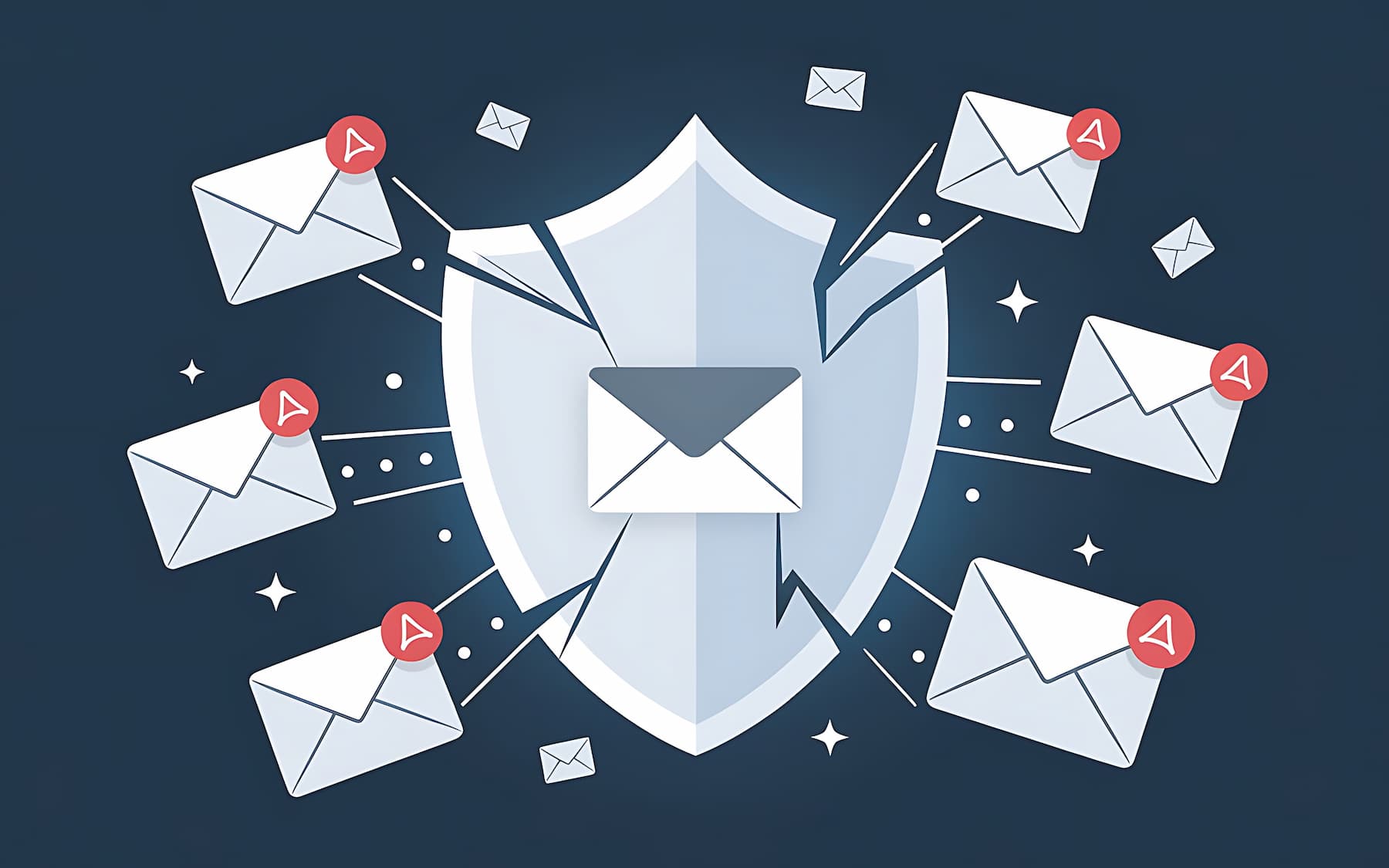
The contact form that started sending spam. A popular form plugin had a vulnerability that let attackers send email through the site’s server. Within a day of getting exploited, the site’s IP lands on email blacklists. Now the contact form submissions stop reaching the inbox, and the owner doesn’t realize for two weeks.
The backup that wasn’t. The site got hacked, the fix was “just restore a backup,” and the backup was either six months old, incomplete, or stored on the same server that got compromised. Recovery took two weeks instead of two hours.
None of these are edge cases. These are the everyday reality of small business WordPress security, and almost all of them are preventable.
The short list of things that actually matter
You don’t need 40 security tips. You need four things done consistently.
Keep everything updated. WordPress core, plugins, themes. If a plugin hasn’t had an update in over a year, replace it. Deactivated plugins and themes still pose a risk. Delete what you don’t use.
Use real passwords and turn on two-factor authentication. A 16-character unique password plus 2FA on every admin account will shut down the majority of automated attacks before they start. No password manager, no 2FA, no exceptions.
Have a real backup you’ve actually tested. A backup you’ve never restored from isn’t a backup. It’s a hope. Daily offsite backups, tested periodically, on storage that isn’t on the same server as the site.
Have someone actually paying attention. This is the part most small businesses skip. Security plugins help, but they don’t replace a human looking at alerts, applying patches, and noticing when something’s off. If nobody’s watching, the first sign of trouble is usually a customer calling.
That’s the whole list. Everything else (file permissions, security headers, disabling XML-RPC, hardening wp-config) is valuable, but it sits underneath those four. Get those right and you’ve handled most of what actually gets small businesses hacked.
Where most owners draw the wrong line
The most common security mindset we run into is “I installed a security plugin, so I’m good.” It’s not enough.
A security plugin is a tool. It scans, it alerts, it blocks some things. It doesn’t update your other plugins. It doesn’t notice that your admin account is using a weak password. It doesn’t test your backups. And critically, it doesn’t do anything if nobody reads the alerts it sends.
Every client we work with on a care plan gets the same thing: a human watching the site. Here’s how Joy Sasser at Sasser Law Firm put it after we took over their hosting and care:
“I am also pleased that security is a high value and they take it very seriously. I can rest easy knowing they are watching over any alerts that arise.”
That’s the gap. Not the plugin, not the firewall, not the fancy hosting dashboard. Someone watching.
What a real security setup looks like for a small business
For most small businesses we work with in Raleigh, Cary, Holly Springs, and the surrounding area, the practical answer is a layered setup that doesn’t require them to become WordPress security experts:
- Managed WordPress hosting that includes server-level security, a firewall, and automated backups
- A care plan that covers weekly updates, monitoring, uptime checks, and someone who actually reviews what’s happening on the site
- Strong login discipline (unique passwords, 2FA, limited admin accounts)
- A clear protocol for what happens if something does go wrong
That’s it. You don’t need to be researching security headers or configuring fail2ban. You need the fundamentals handled consistently by someone who’ll notice when they’re not.
That’s what our managed WordPress hosting and website care plans are built for. Not security theater. Actual, ongoing attention to the stuff that protects the site.
Frequently Asked Questions
Weekly is a safe default for most small business sites. If a plugin has a security patch, it should go on sooner than that. The bigger issue we see isn’t frequency, it’s consistency. Owners update everything for a month, get busy, and then don’t log in for six months. That gap is where the problems start.
No. A security plugin is useful, but it’s a tool, not a strategy. It doesn’t update your other plugins, enforce strong passwords, test your backups, or do anything useful if nobody reads the alerts it sends. Most small businesses that get hacked have a security plugin installed. They just don’t have anyone watching it.
Don’t panic and don’t start deleting files. First, take the site offline or put it in maintenance mode so the damage doesn’t spread to visitors. Then restore from a clean backup (one from before the compromise), reset every password, update every plugin and theme, and run a malware scan. If you’re not sure the site is actually clean after that, get a professional to look at it. Reinfection from leftover backdoor files is common when hacks are cleaned up in a hurry.
Ask three questions. When was the last time plugins and WordPress core were updated? When was the last backup taken, and has anyone tried restoring it? If something went wrong at 2am, who would notice? If you can’t answer those confidently, your site is probably running on hope rather than maintenance.
Not sure where your site stands?
If you’re reading this and you’re not sure whether your WordPress site is actually being maintained, whether your backups work, or whether anyone would notice if something went wrong, that uncertainty is the answer. It isn’t.
Worth a quick conversation. Book a free consult and we’ll take a look at where your site is and what it would take to get it into a better spot.

Leave a Reply